
L2Tool Premium
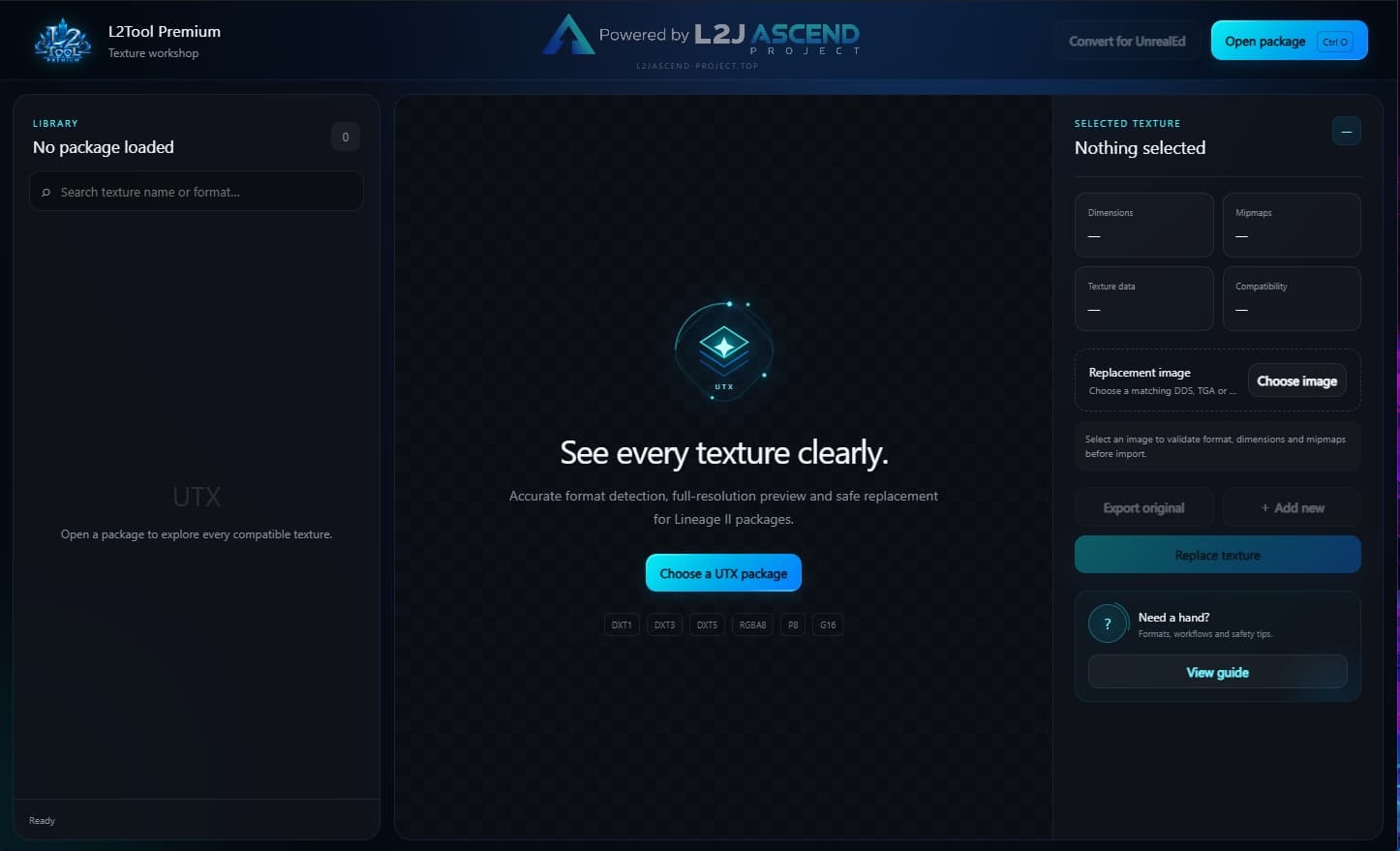
Free Windows texture editor for Lineage II UTX packages. Browse texture previews, export original images, replace compatible textures and add new textures through a modern cyan-blue interface.
About this resource
L2Tool Premium is a free Windows desktop application by L2J Ascend Project for working with Lineage II UTX texture packages. Features: • Texture thumbnails and full-size previews. • Search and filtering by texture format. • Keyboard navigation using the Up and Down arrow keys. • Original texture export to DDS, TGA or BMP. • Compatible texture replacement. • New texture creation using an existing compatible texture as a template. • Format, dimensions and mipmap compatibility checks. • Automatic timestamped backups before adding new textures. • Package conversion for UnrealEd. • Built-in user guide. Supported texture formats: DXT1, DXT3, DXT5, RGBA8, P8 and G16. Adding new P8 textures is currently unavailable. Adding other formats requires a compatible existing template. Requirements: Windows 10/11, 64-bit. Java is included with the installer. Always keep a separate backup of your original UTX files before editing. Compatibility can vary by client version and package. Free community unlock: Add New requires a one-time community unlock. Open our Discord invitation, then click “Unlock Add New”. No Discord account verification is required. The unlock is saved on your computer and works offline.
Installation
1. Download L2Tool-Premium-Setup-1.0.3.exe. 2. Run the installer and choose the installation folder. 3. Launch L2Tool Premium from the Desktop or Start Menu shortcut. 4. Click Open package and select your UTX file. 5. To unlock Add New, click Join Discord and then Unlock Add New. This is a one-time step per computer. 6. Use View guide inside the application for detailed instructions. Java is included. No separate Java installation is required.